Document and editing library
mtlx-core
Parse and validate MaterialX, manage packaged resources, and edit graphs through a headless session.
npm install mtlx-coreMaterialX · TypeScript · Open source
See what a MaterialX file looks like, understand its graph, and make it your own. One toolkit connects your browser, terminal, code editor and application.
Loose .mtlx or portable .mtlx.zip
Validation, resources and rendered detail
Node graphs, parameters and undo
Editable materials, previews and links
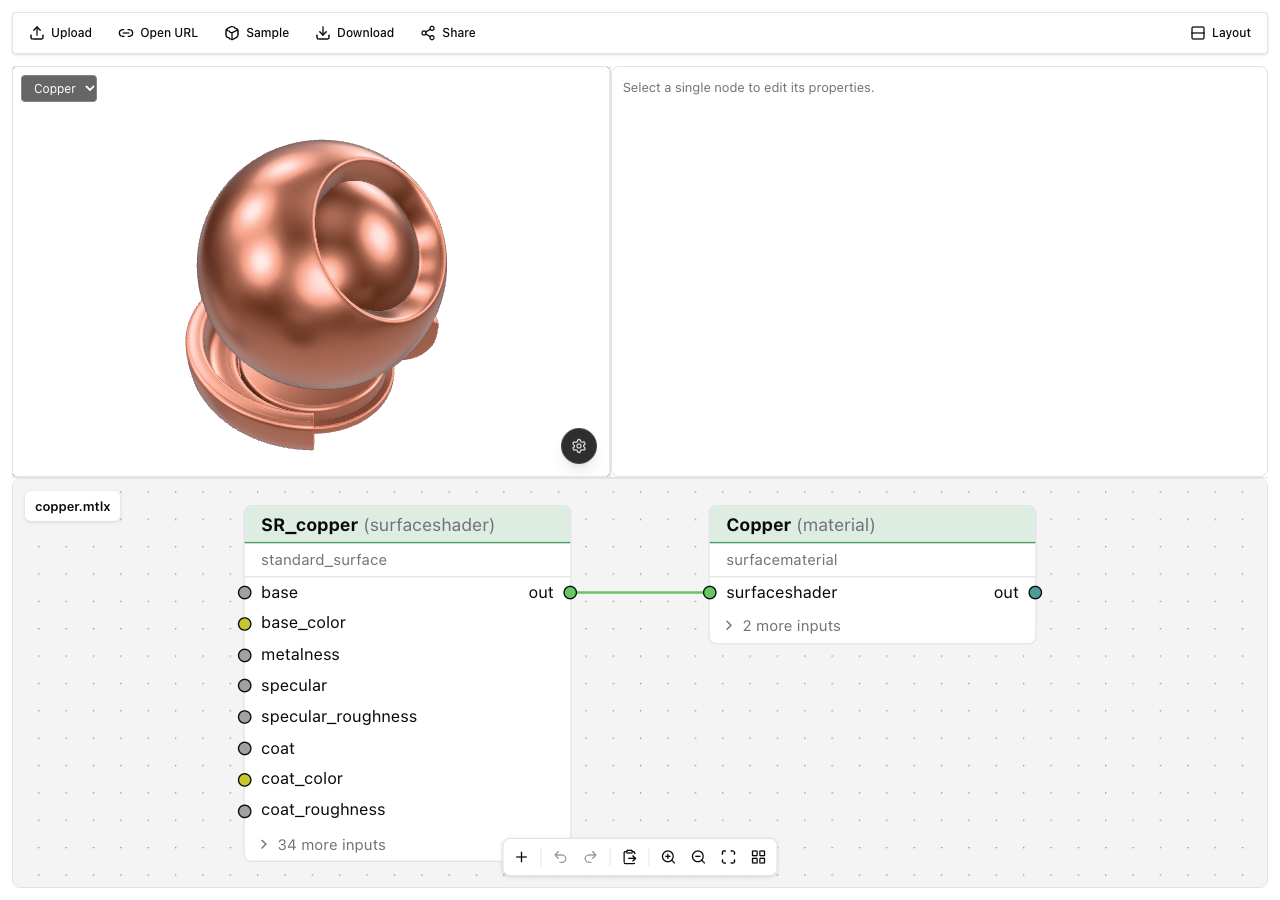
A graph you can work with
Open a material, follow its connections and change a parameter. The live preview shares the same renderer as the viewer, while the graph stays editable MaterialX.
Repeatable by design
Inspect and validate before a material reaches your pipeline. Package resources, convert textures, or render previews in scripts and agent workflows.
npm install -g mtlx-cli

# Understand the document
mtlx info copper.mtlx
mtlx check copper.mtlx

# Inspect it in a browser
mtlx view copper.mtlx

# Produce a preview for your pipeline
mtlx render copper.mtlx -o copper.png \
  --view sphere --ibl studio
Beside your source
Check a MaterialX document, inspect its graph and keep a live material preview beside the XML. The extension uses the same core and rendering packages as the web tools.
Install the extension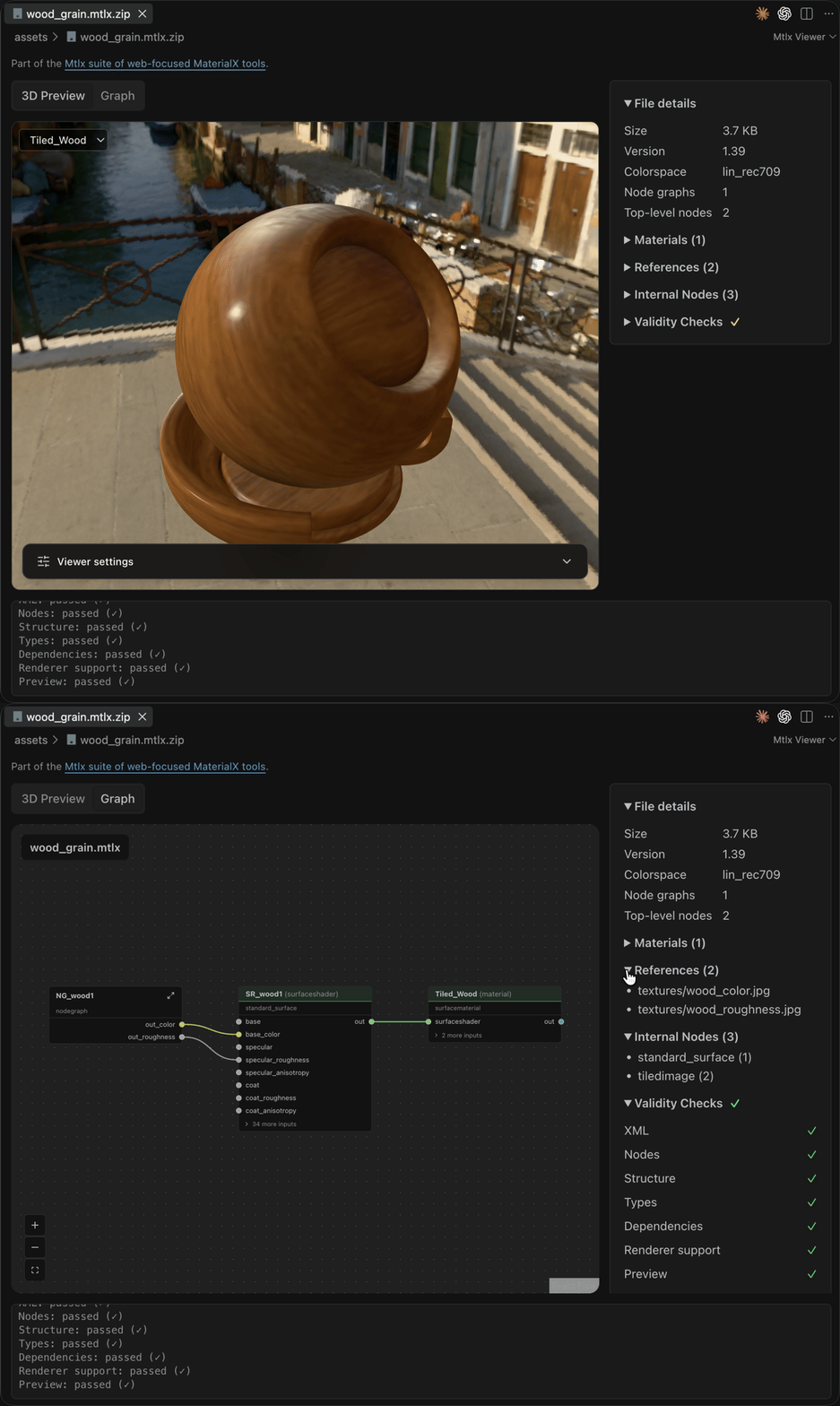
Build on the same foundation
The online tools are one way to use mtlx. Each library has its own guide and generated API reference.
Document and editing library
mtlx-coreParse and validate MaterialX, manage packaged resources, and edit graphs through a headless session.
npm install mtlx-coreWeb component and React
mtlx-viewerBring the same material preview into your own application, with camera controls, lighting and capture.
npm install mtlx-viewerReact graph editor
mtlx-editorBuild an editor from reusable graph, parameter and toolbar components connected to one session.
Build from this repositoryMTLX.ai service client
mtlx-sdkUse typed operations for hosted materials, users, uploads and authentication.
npm install mtlx-sdkStart with a real material
Choose a sample, drop in your own MaterialX file, or follow the quick start for your first validation and integration.