 Home
Homemtlx
A pure TypeScript/JavaScript MaterialX toolkit — runs the same on Node.js and in the browser, on Windows, macOS, and Linux. Parse, validate, package, and transform .mtlx and .mtlx.zip files.
Read the explainer for why mtlx exists and what you can do with it.
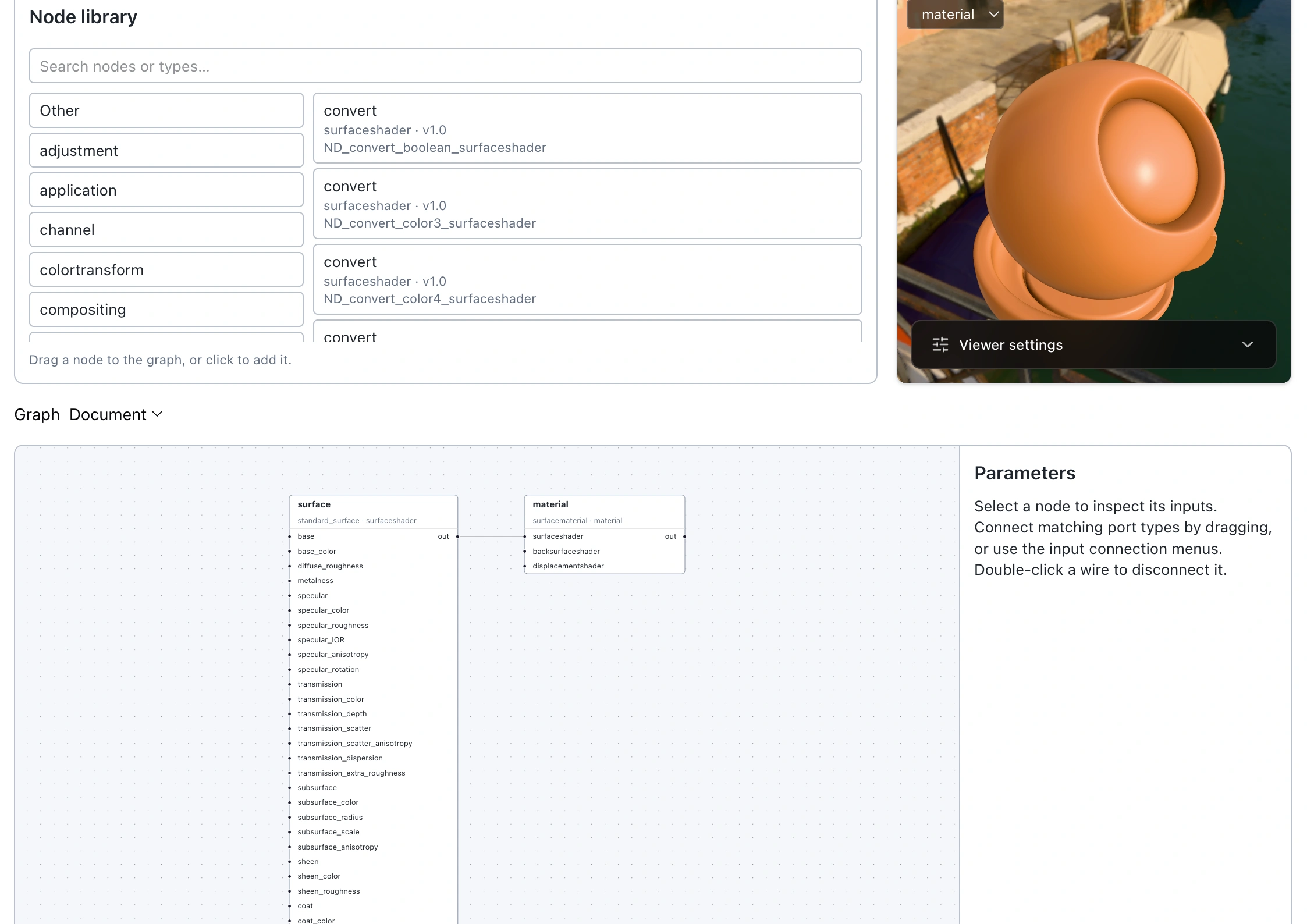
Edit MaterialX node graphs and preview your materials in 3D.
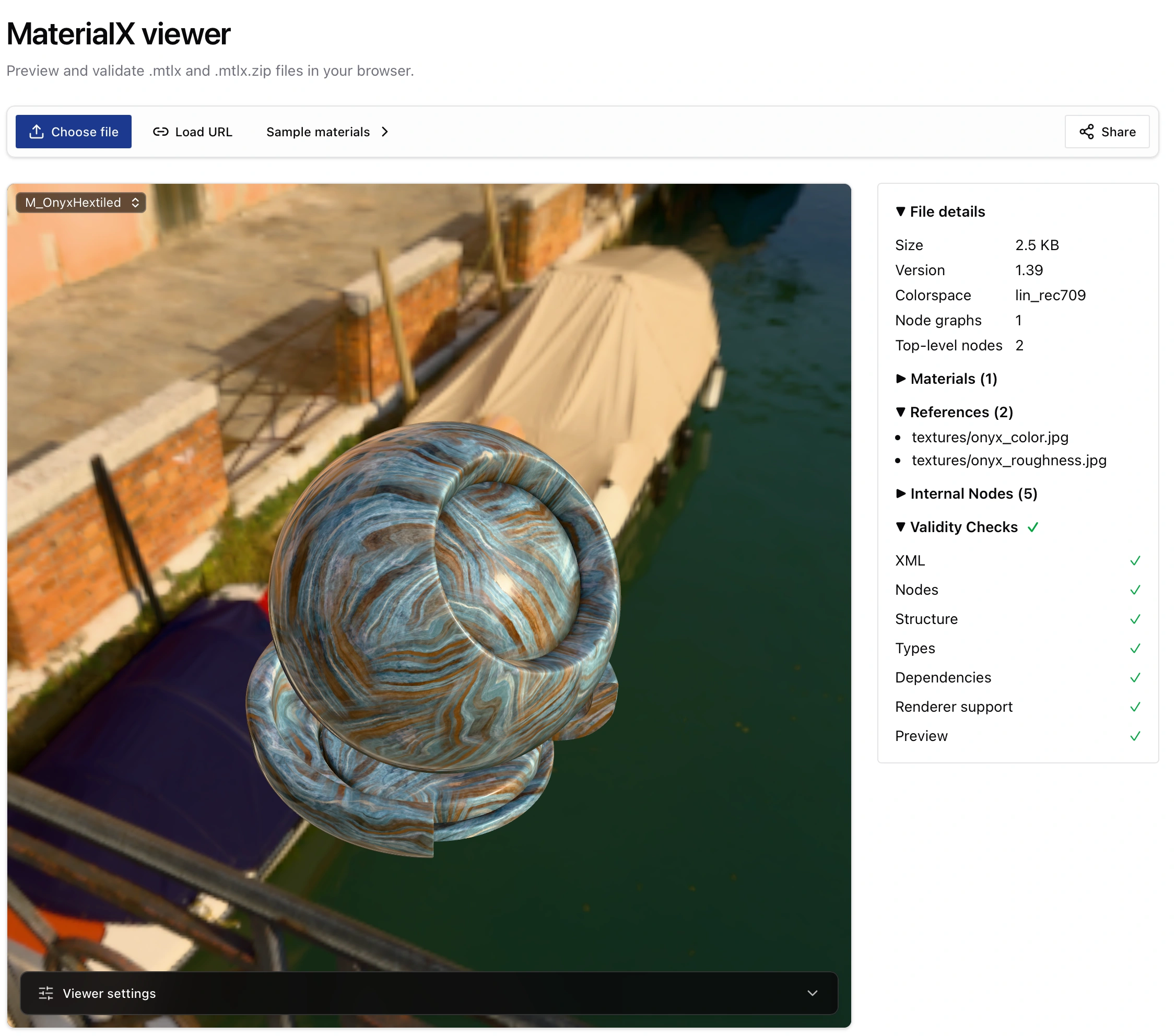
Drag and drop a MaterialX file, inspect it, and preview it in 3D.
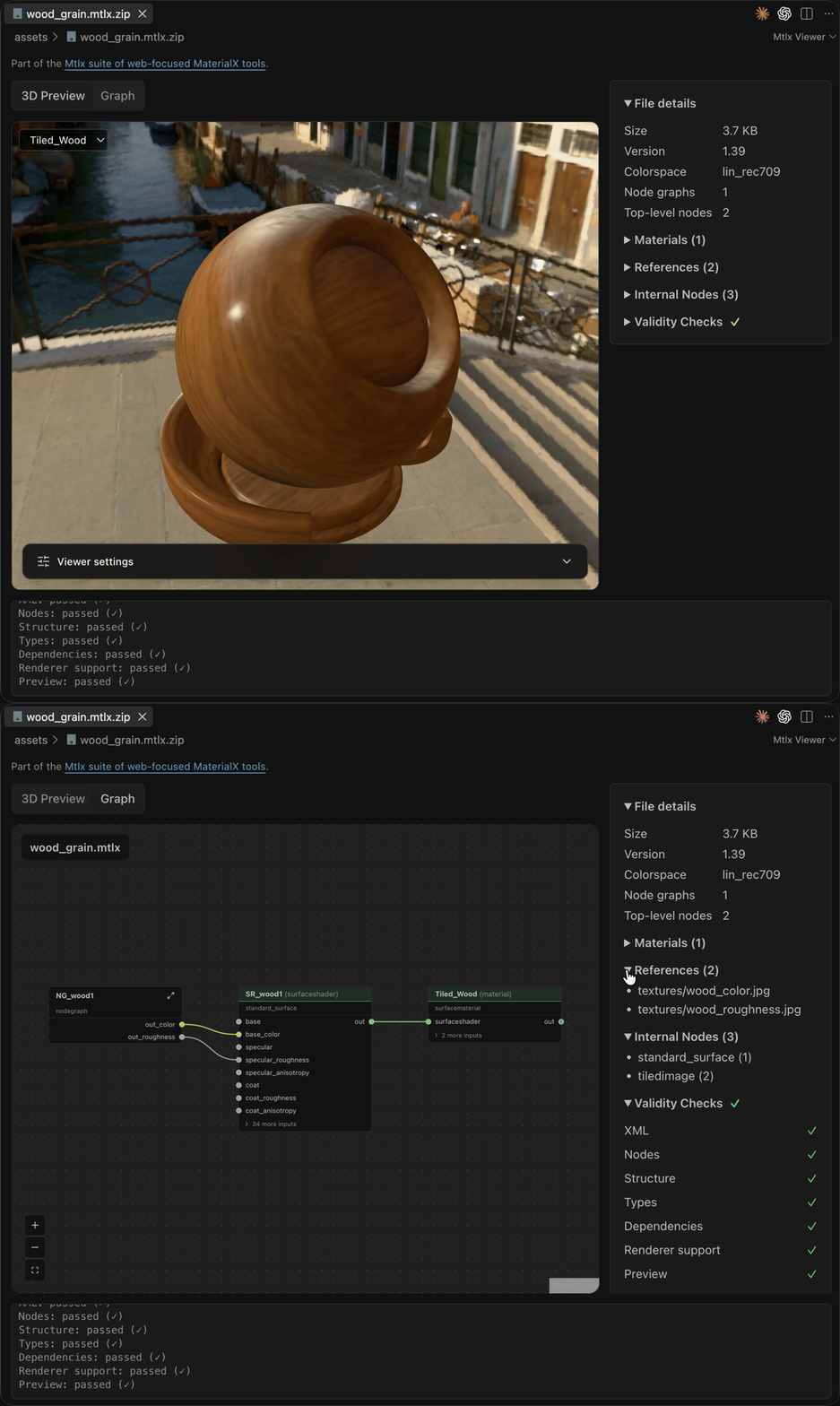
Live 3D previews, node graphs, and validation, right inside VS Code.
Drop a 3D MaterialX preview into any page with one custom element tag, like Google's
<model-viewer>.Validate, inspect, and convert
.mtlx and .mtlx.zip files from the command line.npm install -g mtlx-cli
# validate a file, or every file matching a glob; exits non-zero on any error-level issue, so it works as a CI gate
mtlx check material.mtlx
mtlx check "materials/*.mtlx" --strict
# print material/texture/document info
mtlx info material.mtlx.zip --format json
# pack a .mtlx (plus its textures) into a single .mtlx.zip
mtlx x material.mtlx -o material.mtlx.zip
# unpack a .mtlx.zip back into a .mtlx with textures alongside it
mtlx x material.mtlx.zip -o out/material.mtlx
# convert while packing: resize textures and switch their format to be web compatible
mtlx x material.mtlx -o material.mtlx.zip --profile web
# combine multiple materials (a glob or an explicit list) into a single .mtlx.zip
mtlx x "materials/*.mtlx" -o combined.mtlx.zip
# batch mode: an output directory converts each input separately, one file per input
mtlx x "materials/*.mtlx" -o out/ --max-image-size 2048 --image-format webp
# open a 3D preview in your browser (local only, nothing is uploaded)
mtlx view material.mtlxScript conversions and transforms with the same code in Node or a browser.
import { loadMaterialXPackage, writeMaterialXPackage, transform } from 'mtlx-core/node';
import { resizeTextures } from 'mtlx-core/textures';

// unpack a .mtlx.zip (or load a bare .mtlx) into an in-memory package
const pkg = await loadMaterialXPackage('material.mtlx');

// resize oversized textures and reformat them, all in one pass
await transform(pkg, resizeTextures({ maxImageSize: 2048, imageFormat: 'webp' }));

// pack it back into a single .mtlx.zip, textures included
await writeMaterialXPackage(pkg, 'material.mtlx.zip');
The library design inspired by Don McCurdy's glTF Transform.